1 / 6
+1
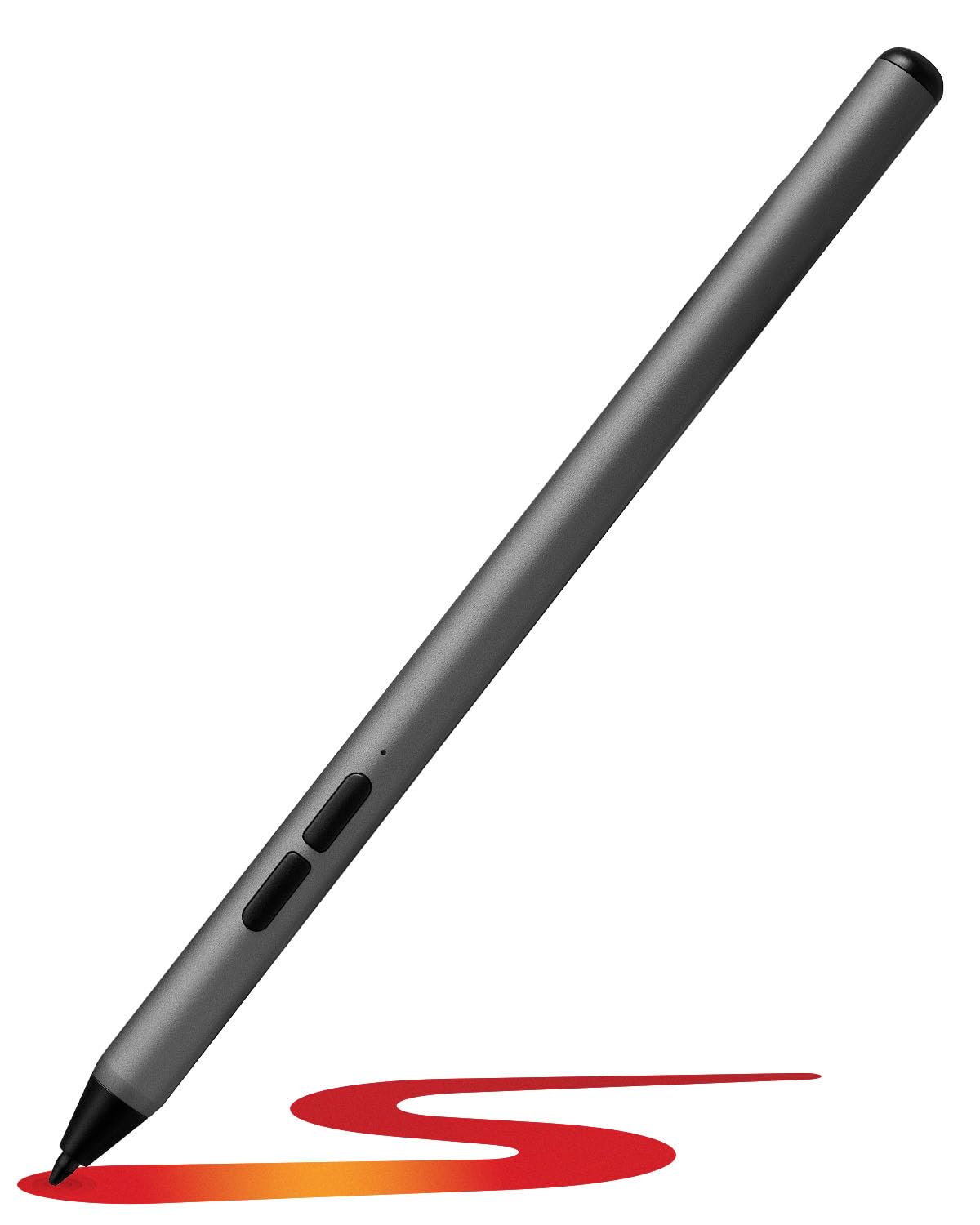
ZAGG Stylus G2 for Chromebook, Acer, Amazon, Asus, HP, Lenovo, Samsung - Touchscreen Stylus Pen with Pressure Sensitivity, Tilt Recognition, Palm Rejection, Long Battery Life, Gun Metal Gray
- INCREASE PRODUCTIVITY: Use the ZAGG Stylus G2 to make notes, sketch, swipe through pages, and mark-up documents on Chromebooks and other compatible devices. This stylus helps you work more efficiently and creatively
- PRESSURE SENSITIVE & TILT RECOGNITION: Draw lighter or darker lines by adjusting the pressure and tilt of the stylus for precision and creativity. The ZAGG Stylus G2 offers a responsive writing and drawing experience, perfect for detailed work on touch screens
- PALM REJECTION TECHNOLOGY: Rest your hand on the screen comfortably while writing; only the ZAGG Stylus G2 will register. This feature allows for natural handwriting and drawing without interference from accidental touches
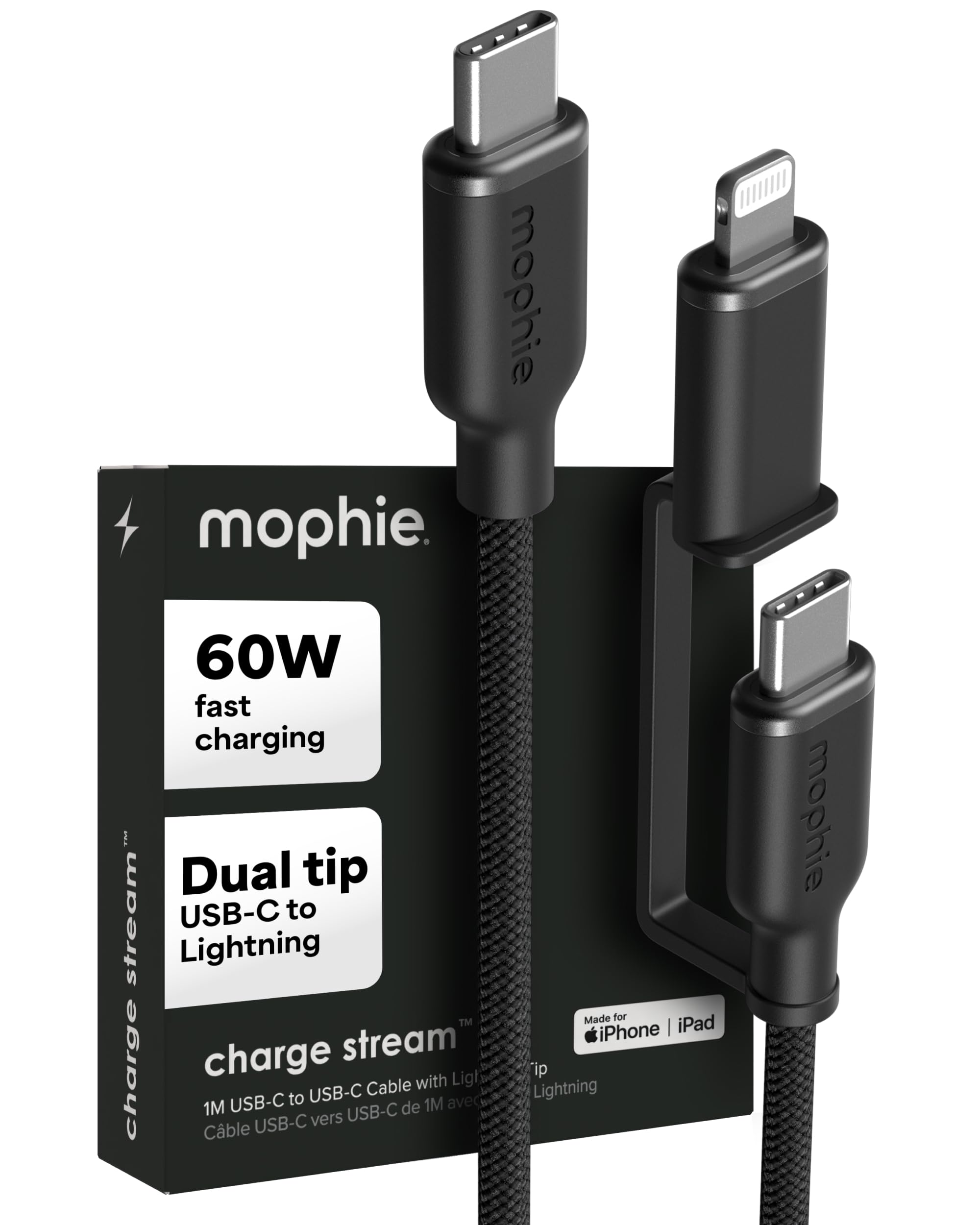
- LONG-LASTING BATTERY & FAST CHARGING: Enjoy up to 15 hours of continuous use and quickly recharge with the USB-C cable for minimal downtime. The ZAGG Stylus G2 is designed for long work sessions, ensuring you stay productive throughout the day
- RIGHT CLICK & ERASER BUTTONS: Use the stylus like a mouse with a right-click button and erase unwanted lines or text with the eraser button. These features enhance the stylus's functionality, making it a versatile tool*
- *Features controlled by the operating system and/or device manufacturer.
- INCREASE PRODUCTIVITY: Use the ZAGG Stylus G2 to make notes, sketch, swipe through pages, and mark-up documents on Chromebooks and other compatible devices. This stylus helps you work more efficiently and creatively
- PRESSURE SENSITIVE & TILT RECOGNITION: Draw lighter or darker lines by adjusting the pressure and tilt of the stylus for precision and creativity. The ZAGG Stylus G2 offers a responsive writing and drawing experience, perfect for detailed work on touch screens
- PALM REJECTION TECHNOLOGY: Rest your hand on the screen comfortably while writing; only the ZAGG Stylus G2 will register. This feature allows for natural handwriting and drawing without interference from accidental touches
- LONG-LASTING BATTERY & FAST CHARGING: Enjoy up to 15 hours of continuous use and quickly recharge with the USB-C cable for minimal downtime. The ZAGG Stylus G2 is designed for long work sessions, ensuring you stay productive throughout the day
- RIGHT CLICK & ERASER BUTTONS: Use the stylus like a mouse with a right-click button and erase unwanted lines or text with the eraser button. These features enhance the stylus's functionality, making it a versatile tool*
- *Features controlled by the operating system and/or device manufacturer.
$280.56
ZAGG Stylus G2 for Chromebook, Acer, Amazon, Asus, HP, Lenovo, Samsung - Touchscreen Stylus Pen with Pressure Sensitivity, Tilt Recognition, Palm Rejection, Long Battery Life, Gun Metal Gray—
$280.56
Description
- INCREASE PRODUCTIVITY: Use the ZAGG Stylus G2 to make notes, sketch, swipe through pages, and mark-up documents on Chromebooks and other compatible devices. This stylus helps you work more efficiently and creatively
- PRESSURE SENSITIVE & TILT RECOGNITION: Draw lighter or darker lines by adjusting the pressure and tilt of the stylus for precision and creativity. The ZAGG Stylus G2 offers a responsive writing and drawing experience, perfect for detailed work on touch screens
- PALM REJECTION TECHNOLOGY: Rest your hand on the screen comfortably while writing; only the ZAGG Stylus G2 will register. This feature allows for natural handwriting and drawing without interference from accidental touches
- LONG-LASTING BATTERY & FAST CHARGING: Enjoy up to 15 hours of continuous use and quickly recharge with the USB-C cable for minimal downtime. The ZAGG Stylus G2 is designed for long work sessions, ensuring you stay productive throughout the day
- RIGHT CLICK & ERASER BUTTONS: Use the stylus like a mouse with a right-click button and erase unwanted lines or text with the eraser button. These features enhance the stylus's functionality, making it a versatile tool*
- *Features controlled by the operating system and/or device manufacturer.